
Start writing here...
Still Printing Tax Invoices?
How E-Tax Works in Odoo
"Thailand has offered a paperless alternative for years. Here is how it works, and how CU connects it to the Odoo you already use."

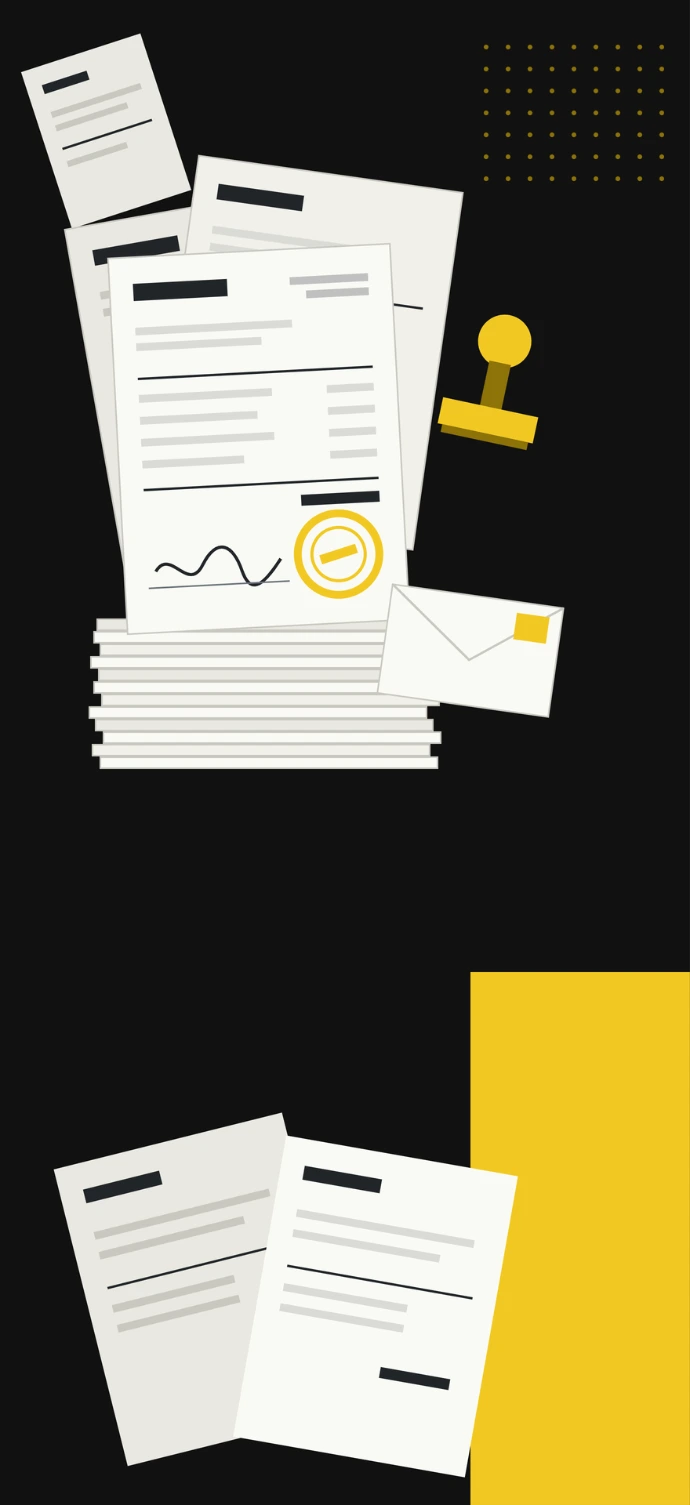
Every paper tax invoice your team issues has to be printed, signed, posted to the buyer and kept on file. Add the credit notes and receipts, and a routine legal requirement quietly takes hours out of every month.
1. THE PAPER ROUTINE
When you sell to another business, you usually issue a full tax invoice, and it matters to your buyer: under Section 86/4 of the Revenue Code, only a full tax invoice lets them claim back their input VAT. That's why it has to carry the details of both sides, including the buyer's name, address, 13-digit tax ID and head office or branch number (FlowAccount).
On paper, every one of those invoices is a small job: print it, sign it, send it, follow up when it goes missing, and file a copy. The Revenue Department's own case for going electronic is exactly this: less paper to manage, and less time and money spent delivering documents.
2. WHAT E-TAX & E-RECEIPT IS
The Revenue Department first allowed electronic tax invoices in 2012 and replaced those rules with today's e-Tax Invoice & e-Receipt system in 2017 (PwC Thailand). The system covers full and abbreviated tax invoices, debit notes, credit notes and receipts, in an electronic format built on ETDA's standards. Each document is digitally signed and has legal effect under Thailand's Electronic Transactions Act (Revenue Department e-Tax guide).
There are two ways in:
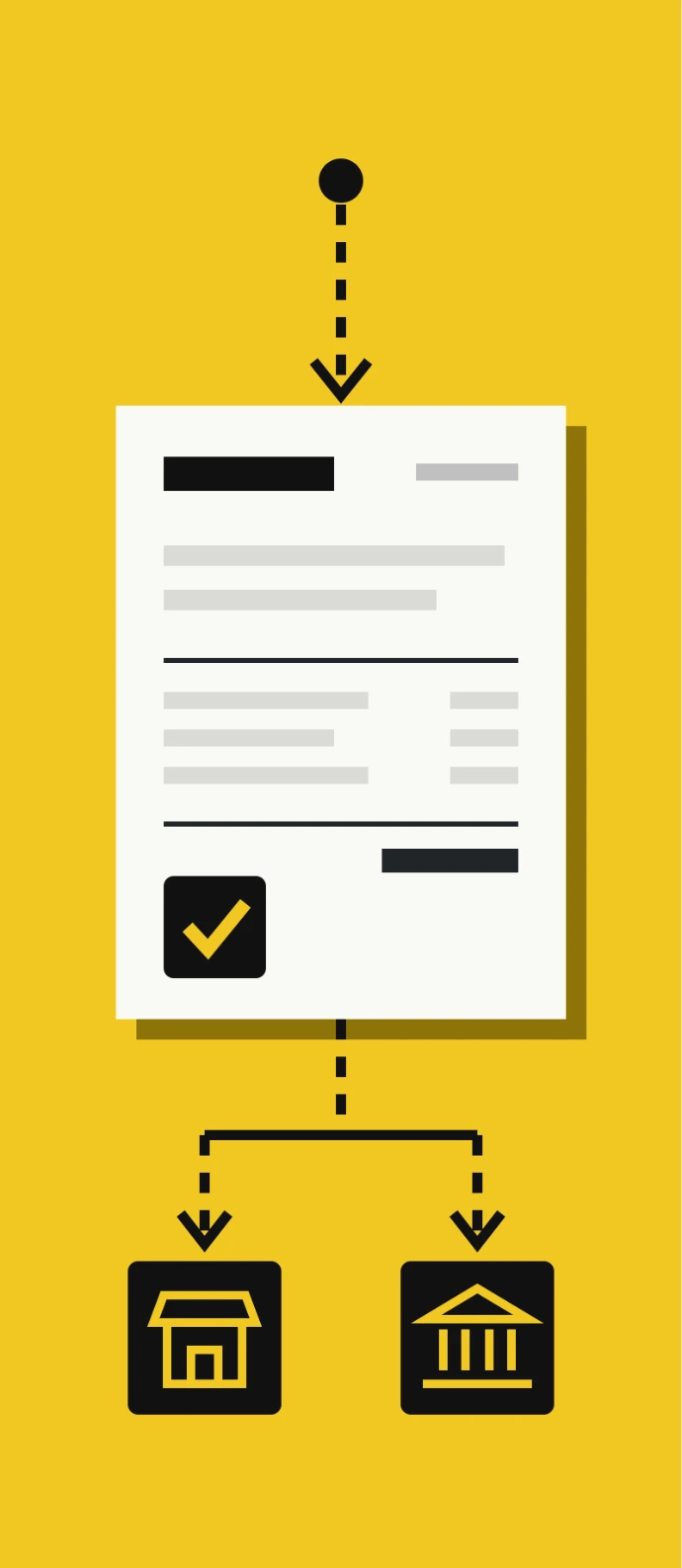
A service provider handles the technical side: it can prepare your documents, sign them with its own certificate and submit them to the Revenue Department (Revenue Department e-Tax guide), then send the status back to you (SAP). Service providers' systems are certified by ETDA, under an agreement the Revenue Department signed with ETDA in 2019.
1
Invoice by Email
2
The Full System
- For smaller businesses with revenue of up to 30 million baht a year (Revenue Department).
- With a digital signature. Documents reach the Revenue Department by web upload, a direct host-to-host link, or an approved service provider (Revenue Department e-Tax guide).
e-Tax is still voluntary. Businesses apply to join (Revenue Department e-Tax guide), and as of July 2026 no law requires them to switch (Basware).
3. HOW CU'S E-TAX MODULE WORKS IN ODOO
CU built its own e-Tax module for Odoo. It connects Odoo to INET (Internet Thailand), a Thai cloud company that runs its own e-Tax service and is one of the three certificate authorities named in the Revenue Department's e-Tax guide.
Your team doesn't learn a new system.
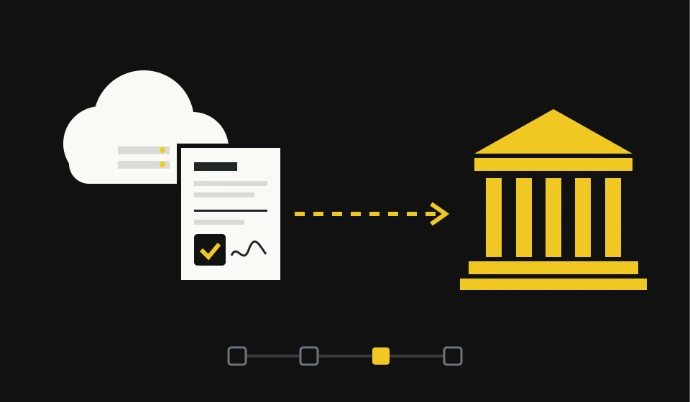
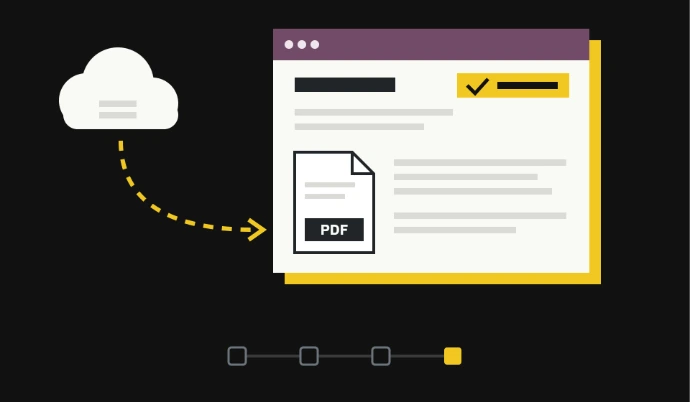
The flow is:
1
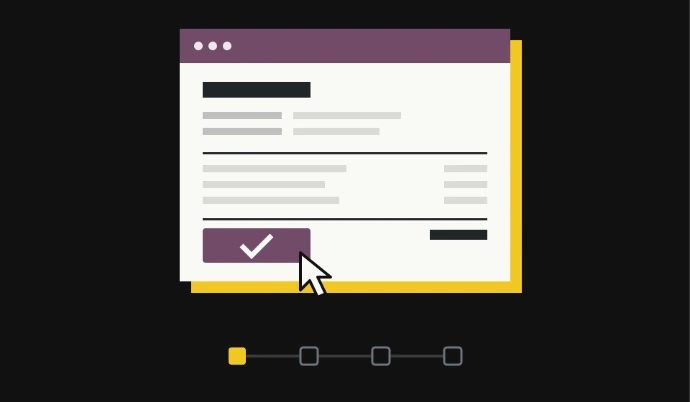
Create and confirm the invoice in Odoo, the same way you do today.
2
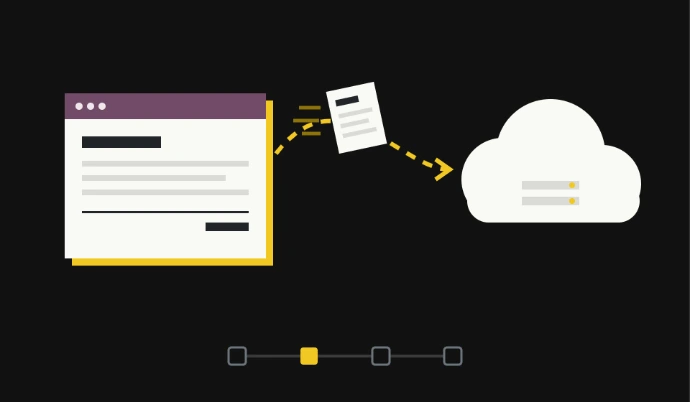
The module sends it to INET, automatically when the invoice is confirmed, or with one click.
3
INET checks and signs it, then sends it on to the Revenue Department.
4
The status and the e-Tax PDF come back into Odoo.
What it Covers
- Customer invoices and credit notes, sent automatically or with one click
- Tax invoices and payment receipts, sent with one click
- POS sales, sent automatically
- Companies with branches, which can send under head office's tax ID
- Batch sending, so many documents can go at once
- Odoo 18 and 19
4. Getting Started
CU installs the module and connects it to INET. You don't need a digital certificate of your own, because the signing happens on INET's side (Revenue Department e-Tax guide).
5. Before you switch: get your buyer details right
In our experience, the most common reason an e-Tax invoice is rejected is incomplete buyer details. [Kong] A full tax invoice has to show a VAT-registered buyer's tax ID and their head office or branch number (Forvis Mazars; FlowAccount). On paper, a gap like that can slip through unnoticed. An e-Tax invoice is checked before it goes anywhere, so the gap gets caught.
So before go-live, check every customer you issue full tax invoices to:
- Legal name, exactly as registered
- Full address
- 13-digit tax ID
- Head office or branch number
If an invoice does come back, your team fixes the details and sends it again from Odoo.
Ready to stop printing?
CU installs and sets up the e-Tax module for Odoo 18 and 19 and connects it to INET. Book a call and we'll walk you through it.


Sources (checked November 9, 2026)
- Revenue Department: e-Tax Invoice & e-Receipt guide, overview (revised November 2025)
- Revenue Department: e-Tax seminar slides
- Revenue Department and ETDA agreement on service provider certification (2019)
- PwC Thailand: e-tax invoices and e-receipts (2017)
- SAP: Thailand e-Tax Invoice & e-Receipt
- Basware: e-invoicing in Thailand (reviewed July 2026)
- INET: e-Tax service announcement (ThaiPR.NET, January 2024)
- Lex Bangkok: input VAT and the full tax invoice
- FlowAccount: Tax invoice in Thailand
- Forvis Mazars: New VAT compliance rules