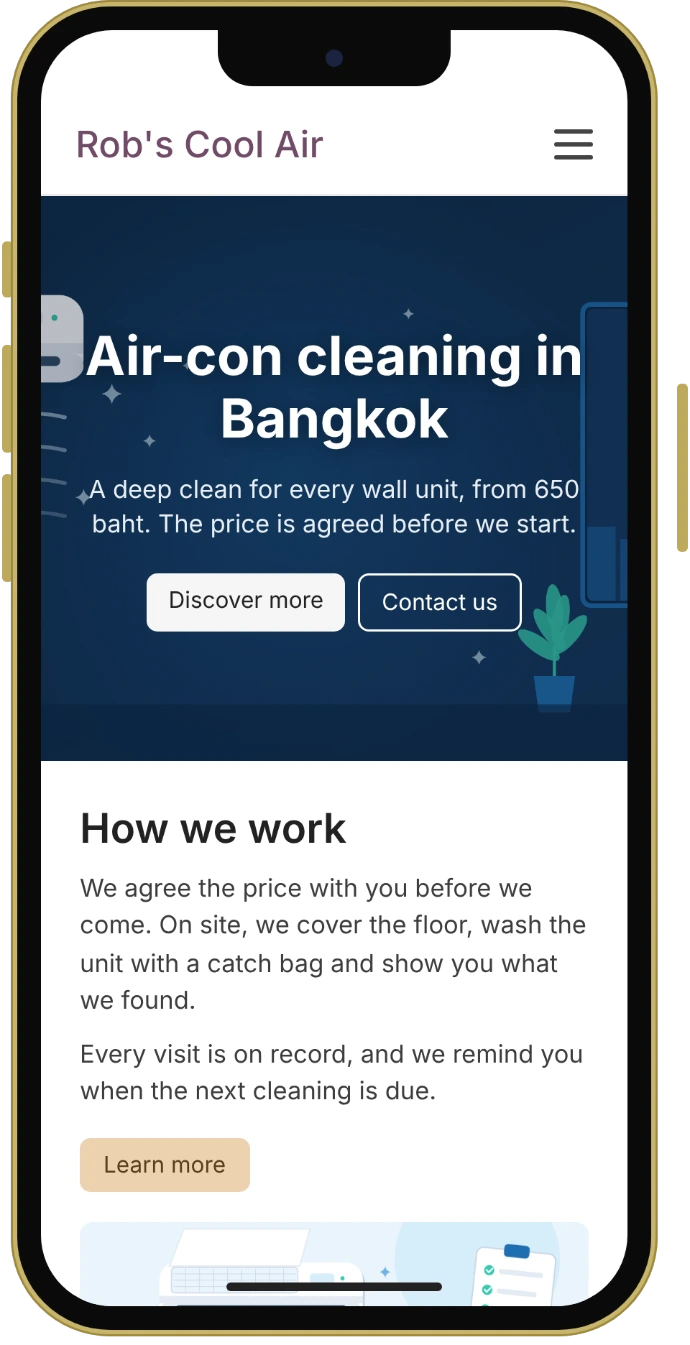
Changing your own website shouldn't need a developer

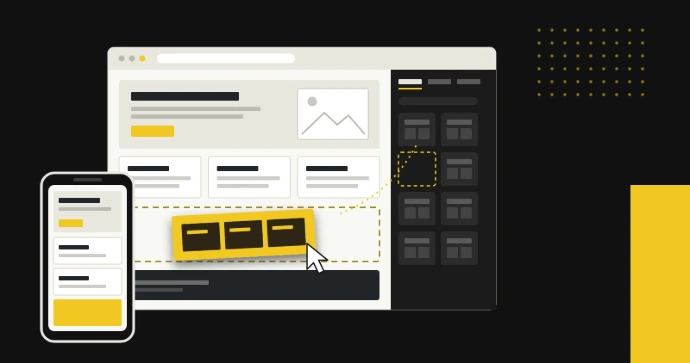
If changing one price on your own website means sending a message and waiting, the website isn't really working for you.
Here's how a page is built and changed in Odoo Website, step by step, on Rob's Cool Air, a made-up air-con company in our demo database. Prefer to watch? The video shows the whole thing in a few minutes.
1. The wait for a simple change.
Two things go wrong:
- A new price or photo means a
message to the agency, and a wait. - What customers type into the
contact form lands in an inbox
where it's easy to miss.

2
The inquiry gets missed.
1
The change waits.
2. Change it yourself.
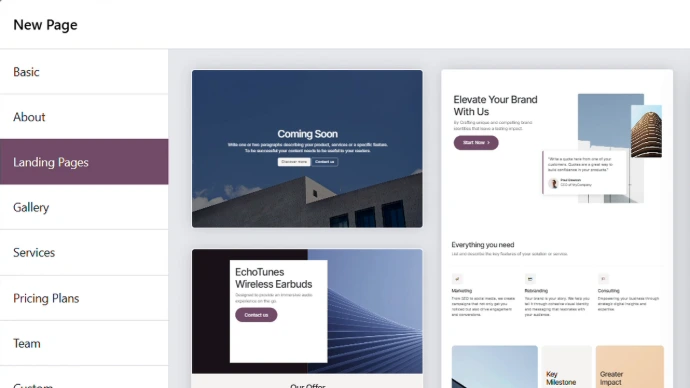
1. Start from a layout
New › Page, pick a ready-made template and give it a title. You're editing straight away.
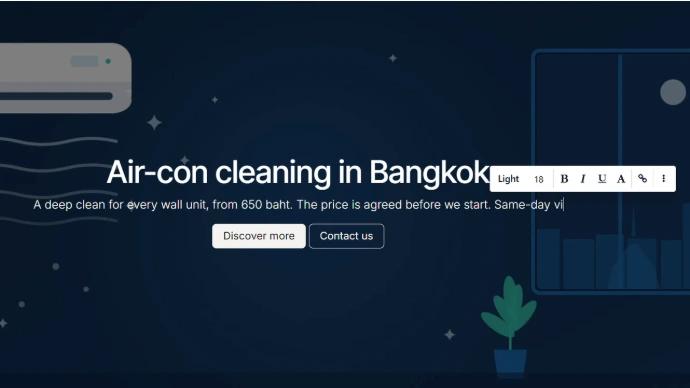
2. Type on the page
Click Edit, then click any text on the page and type over it.
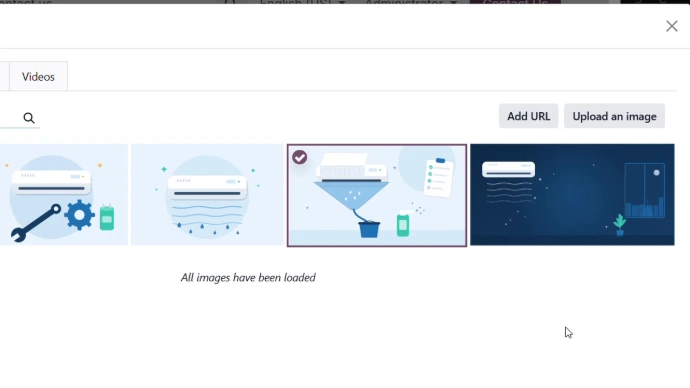
3. Change a Picture
Double-click a picture and upload your own.
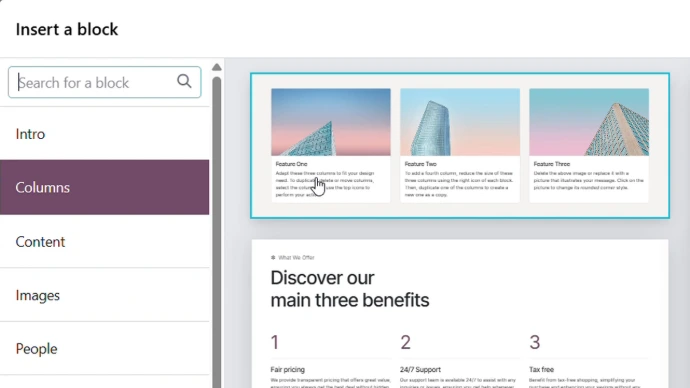
4. Add a section
Drag a block in from Blocks, pick a style, and it drops into place.
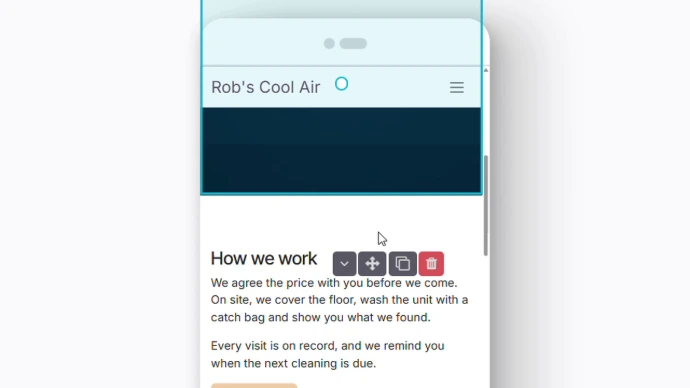
5. Check the phone view
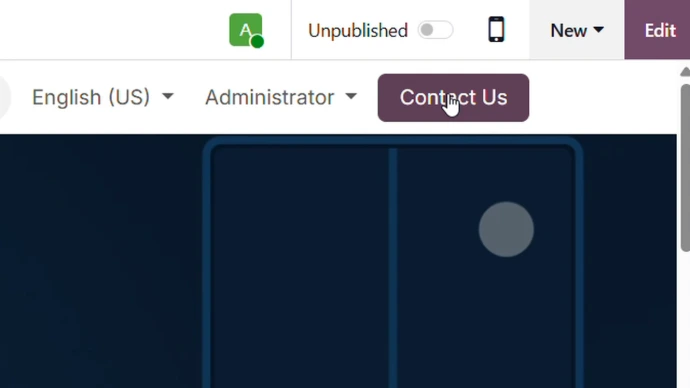
The phone icon shows the page the way a phone sees it.
6. Publish when it's ready
The switch at the top changes Unpublished to Published, and the page is live.
3. What a stand-alone builder can't do.
Because the website is part of Odoo, it can do three things a website-only tool can't.
Ready for Google
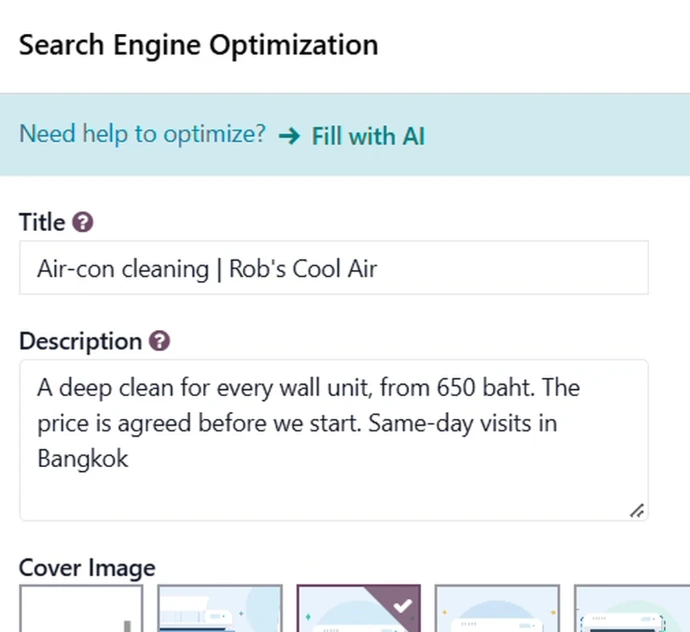
Under Site › Optimize SEO, Fill with AI has Odoo's AI write the title and description people see in search, with keyword ideas. Check them, then save.
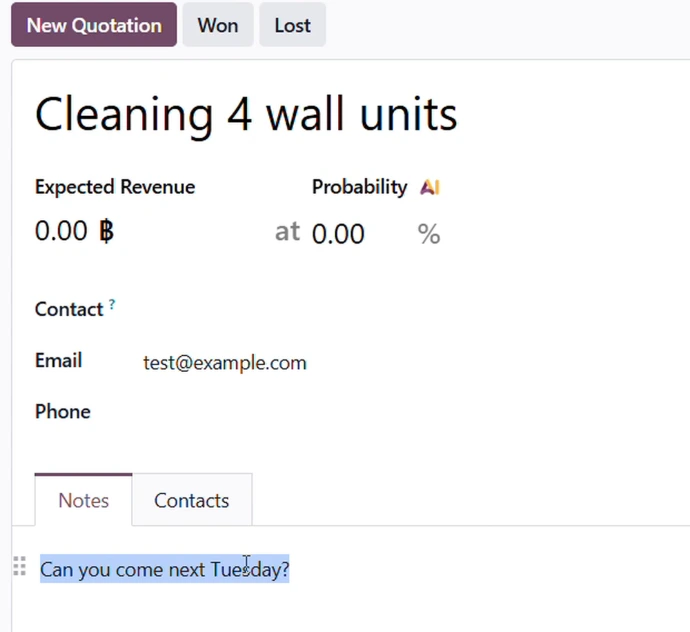
The contact form becomes a sales opportunity
Add a Contact & Forms block, then set the form's Action to Create an Opportunity. When a customer sends it, a new opportunity appears in CRM with their question, ready for your sales team to call back. Nothing to forward, nothing to copy across.
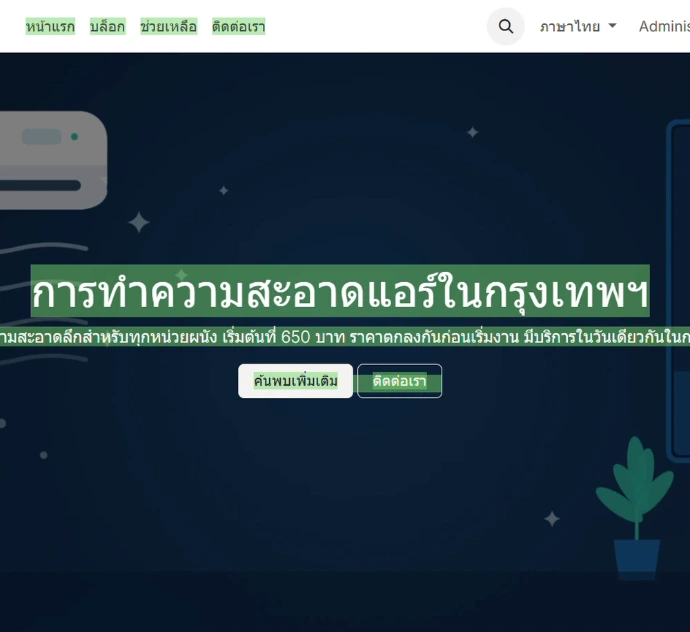
The page in Thai, in one click
In Translate mode, yellow text isn't translated yet. One click on the green button and Odoo's AI translates the whole page. Double-check the translation before it goes live.
4. Where CU comes in.
Most of it, you can do yourself. Setting up your domain and your brand, building anything that needs code, and connecting the site to the rest of your Odoo: that's what we do at CU Solution System.
Ready to change it yourself?
If you'd like a website that works with the rest of your business, get in touch.